 Cheese Wheels Apps
 LaTeX
LaTeX docs
Add an inline formula
An inline formula sits inside a sentence and lines up with the text around it.
Add an inline formula
Open the page for editing and put the cursor where the formula should go in the sentence.
Type
/latexand choose LaTeX inline formula.Type your formula, for example
E = mc^2.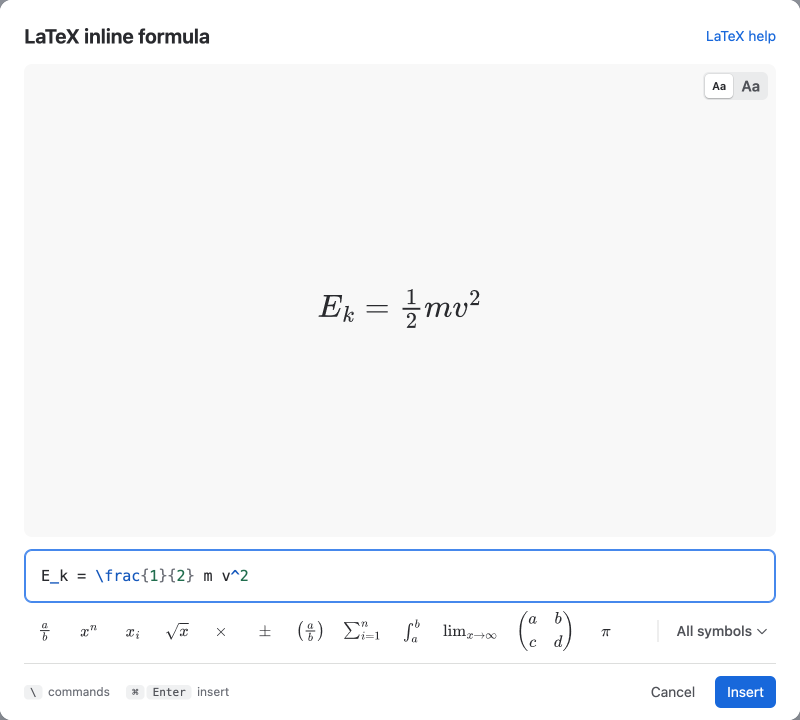
Optionally, choose the size: normal or large.
Choose Insert, or press Ctrl Enter (⌘ Enter on a Mac).
The formula sits on the text baseline and, for simple formulas, doesn’t make the line taller.

Formulas in headings
A formula can’t detect the size of the text around it, so in a heading choose the large size to match the heading text better.
Tips
- Keep inline formulas short. Tall formulas — fractions, sums, matrices — read better as a block formula.
- Inline formulas are always rendered in text style, like
$…$in LaTeX, so a fraction such as\frac{a}{b}stays small enough for a line of text.